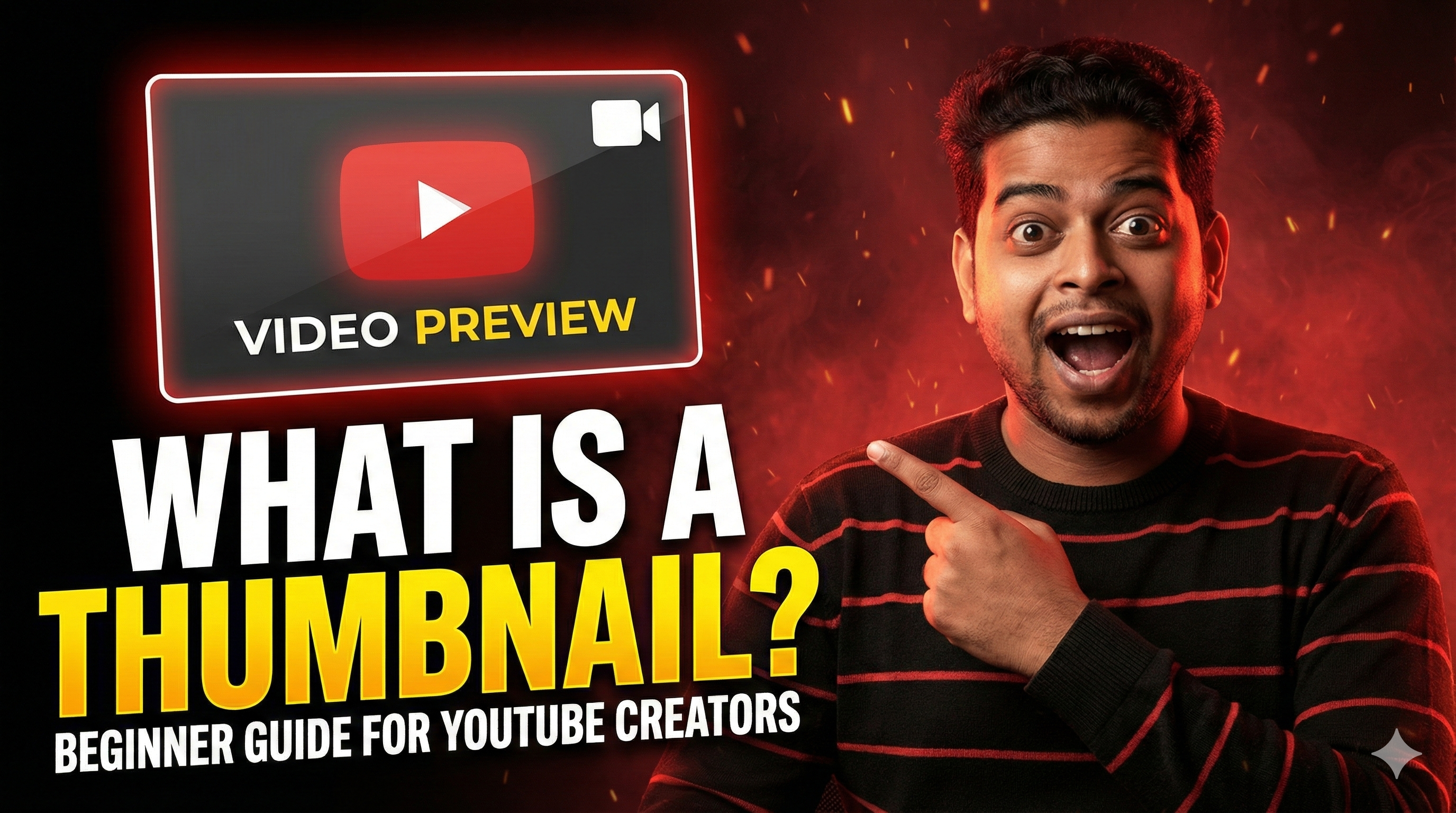
What Is a Thumbnail? Beginner Guide for YouTube Creators (2026 Edition)
If you are just starting your journey on YouTube, you have probably heard the common advice that your thumbnail matters more than your actual video. While that sounds dramatic, it is entirely accurate. A thumbnail is the small preview image people see before clicking on your video. In 2026, it is the single most important factor in determining whether someone watches your content or scrolls past it entirely.
For beginner creators, especially those targeting the highly competitive United States market, mastering thumbnail design is no longer optional; it is a mandatory skill for survival and growth. Without a compelling thumbnail, even the greatest video masterpiece will go completely unwatched.
Why Thumbnails Matter More Than Ever
YouTube is more saturated than ever, with millions of videos uploaded daily. Your thumbnail is the deciding factor between a video getting 200 views and 20,000 views. YouTube's algorithm heavily relies on Click-Through Rate (CTR), which measures the percentage of people who click your video after seeing it on their screen. Even if you have the highest quality content in the world, a weak, confusing, or dark thumbnail will result in a low CTR, causing the algorithm to stop recommending your video immediately.
Furthermore, humans process visual information 60,000 times faster than text. Before someone even reads a single word of your title, they process the visual cues in your thumbnail. Professional, clean designs instantly build trust and authority, while messy designs signal amateur content to the viewer, prompting them to keep scrolling.
What Makes a Good YouTube Thumbnail?
Beginner creators often overcomplicate thumbnail design by adding too many elements. A high-performing YouTube thumbnail relies primarily on high contrast and simple composition. Your subject should pop brightly against the background, making it instantly recognizable even when shrunk down to the size of a mobile screen.
Additionally, human faces with expressive emotions—like surprise, shock, or curiosity—tend to drive significantly higher click rates. If you choose to use text on your thumbnail, keep it to a maximum of three to five large, bold words. This text should complement the title, acting as a curiosity hook, rather than simply repeating what the title already says. Avoid cluttering the corners with text, especially the bottom right, as YouTube's timestamp overlay will block it entirely.
Technical Specifications & Requirements
Before you start designing, you need to ensure your canvas is set up correctly. Uploading an incorrectly sized image will result in black bars (letterboxing) or pixelated blurring, which instantly destroys your credibility.
To ensure your thumbnail looks crisp on everything from a 6-inch smartphone to a 65-inch Smart TV, follow YouTube's official technical guidelines for 2026:
- Resolution: 1280 x 720 pixels (Minimum width of 640 pixels).
- Aspect Ratio: 16:9 (The standard widescreen format).
- File Size: Under 2 Megabytes (2MB).
- File Format: JPG, PNG, or WebP.
Always export your designs in the highest quality possible within that 2MB limit. Crisp, vibrant pixels subconsciously signal high production value to the viewer.
Thumbnail vs Title: Which Is More Important?
Your title and thumbnail must work together as a cohesive unit. Think of the thumbnail as the visual hook that makes a viewer stop scrolling, while the title provides the necessary context to convince them to click. If both elements are strong, your CTR skyrockets.
Common beginner mistakes include using YouTube's random auto-generated frames instead of uploading a custom image, making text too small to read on mobile devices, or blindly copying other famous creators without considering if that style fits their own unique niche.
Pro Tip for Creators: To succeed in 2026, you must study what works in your specific industry. You can use our free YouTube Thumbnail Downloader to extract competitor thumbnails in full 1080p resolution. Study their color palettes, text placement, and facial expressions for inspiration before designing your own!
A/B Testing Your Designs
The biggest creators on the platform do not just upload a thumbnail and hope for the best; they test it. If a video is underperforming in its first 24 hours, the very first thing you should change is the thumbnail.
Swapping out a dark, cluttered thumbnail for a bright, high-contrast one can literally double your views overnight. Pay close attention to your YouTube Studio Analytics. Monitor your CTR closely. If your CTR is below 4%, your thumbnail is likely failing to capture attention, and it is time for a redesign.
Final Thoughts
Your thumbnail is not just decoration; it is your digital billboard. In a platform where attention is the ultimate currency, the preview image dictates your success. By understanding color contrast, emotional psychology, and proper formatting, you can drastically increase your channel's growth trajectory. Invest the time to learn basic graphic design—it pays the highest dividends of any skill on YouTube.
Frequently Asked Questions
What is a thumbnail in simple words?
A thumbnail is the clickable preview image that represents your video on YouTube. It acts as a visual summary, helping potential viewers decide if they want to watch your content or keep scrolling.
Does a thumbnail directly affect YouTube SEO?
Indirectly, yes. While thumbnails are not text-based keywords that a search engine reads, they directly dictate your Click-Through Rate (CTR). High CTR signals to the YouTube algorithm that your video is highly relevant, which forces the system to push your video higher in search rankings.
Can I change my thumbnail after posting a video?
Yes! For standard, long-form YouTube videos, you can swap out your custom thumbnail at any time through YouTube Studio. In fact, updating the thumbnail on an older video is a proven strategy to revive its views and trigger the algorithm again.
What is considered a "Good" Click-Through Rate (CTR)?
While CTR varies heavily by niche, audience size, and traffic source, a baseline average across YouTube is between 4% and 5%. If your thumbnail is generating a CTR of 6% to 10%, it is performing extremely well. Anything above 10% is exceptional and will likely result in viral distribution.