How to Change YouTube Shorts Thumbnail (Step-by-Step Guide for 2026)
If you’ve ever uploaded a YouTube Short and thought, "Wait, why does that frame look so bad?" you are certainly not alone. Unlike regular long-form YouTube videos, Shorts do not make thumbnail control obvious. In fact, most creators in the U.S. do not even realize you can influence the thumbnail, at least partially.
The truth is that YouTube Shorts thumbnails work entirely differently than traditional video thumbnails. Understanding this difference and knowing how to manipulate it is crucial if you are trying to grow your channel and maximize your Click-Through Rate (CTR) in 2026.
Can You Change a YouTube Shorts Thumbnail?
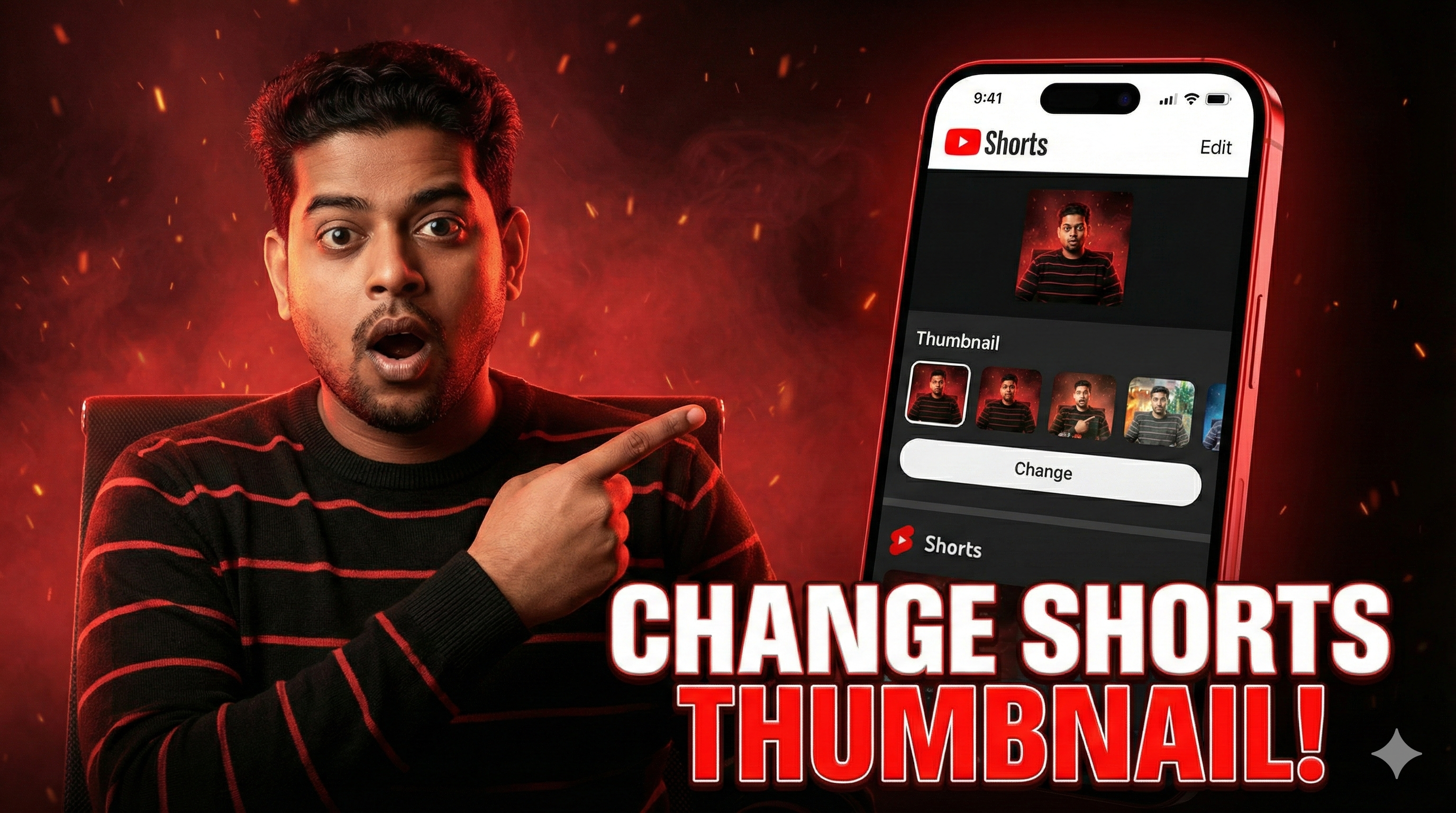
The short answer is yes, but only in highly specific situations. As of 2026, YouTube does not allow creators to upload a custom thumbnail image file for Shorts directly from a desktop computer. Instead, you can only select a frame from the video itself during the upload process, and this can exclusively be done using the mobile app.
If you upload a Short from a desktop browser, YouTube will automatically generate a thumbnail for you, pulling a random frame from your footage. This is exactly why so many creators feel stuck with unflattering, blurry, or confusing previews on their channel pages.
Step-by-Step: How to Change a Thumbnail (Mobile Method)
To gain control over your Shorts thumbnail, you must use the official YouTube mobile app on iOS or Android. Make sure you are using the latest version of the app, as outdated versions may not display the thumbnail selector tool.
- Start the Upload: Tap the upload icon (+) at the bottom of the screen and select your vertical video.
- Add Metadata: Fill in your basic metadata like the title, visibility, and audience settings.
- Find the Pencil Icon: Before hitting the publish button, look carefully at the video preview image at the top left of your screen. You should see a small pencil icon.
- Scrub and Select: Tapping this opens a timeline slider that lets you scrub through your entire Short. Pick the exact frame you want to represent your video.
- Save and Publish: Once you find a frame with bright lighting and no motion blur, tap "Done" and publish your Short.
Why YouTube Shorts Thumbnails Work Differently
Here is a fact that most creators overlook: Shorts primarily get their traffic from the vertical "Shorts Feed," not from traditional search results. In the feed, viewers scroll continuously, meaning thumbnails are largely irrelevant because the video auto-plays immediately. The first one or two seconds of your video act as the true visual hook.
However, outside of the feed, thumbnails absolutely matter. On your channel's profile grid, in homepage suggested videos, and in desktop search results, a polished thumbnail is required to get clicks. So while Shorts are a "feed-first" medium, thumbnail optimization still heavily impacts your channel branding, profile visits, and overall subscriber conversion rate.
Pro Workaround: The “Intentional First Frame” Strategy
Since you cannot change a Shorts thumbnail after it has been published without deleting and re-uploading the video, smart creators use an advanced workaround known as the "Intentional First Frame" strategy.
Instead of relying on the mobile slider, they design the very first 0.5 to 1 second of their Short specifically to look like a high-converting thumbnail. This frame usually features big bold text, a clear visual hook, high contrast colors, and a clean background. Because YouTube's system frequently pulls early frames for auto-generation on desktop uploads, this ensures your thumbnail always looks strong, regardless of how it is processed by the platform.
Pro Tip for Creators: Are you struggling to design eye-catching visuals? Use our free YouTube Thumbnail Downloader to extract and analyze high-resolution thumbnails from viral creators in your niche. Study their font choices, color contrast, and layouts to improve your own Intentional First Frames!
Best Practices for Maximizing Shorts Clicks
Even though your options are limited to selecting a frame, you can still optimize that frame for maximum impact. Keep these rules in mind when editing your video:
- High Contrast Faces: The YouTube algorithm and human psychology both favor expressive faces. Ensure the frame you select features clear, bright facial expressions (shock, joy, confusion).
- Large, Readable Text: If your selected frame has text on it, it must be readable on a tiny mobile screen. Avoid small fonts or paragraphs. Stick to 3-5 massive, bold words.
- Avoid Motion Blur: Never select a frame during a fast transition or camera pan. A blurry thumbnail immediately signals low quality to the viewer and ruins your CTR.
Final Thoughts
YouTube Shorts are no longer just an experimental feature; they are the fastest way to build brand awareness and subscriber velocity in 2026. While thumbnail control for Shorts is frustratingly limited compared to long-form videos, proactive creators never leave their success up to chance.
By utilizing the mobile app slider or mastering the Intentional First Frame strategy, you take back control of your digital storefront. Treat your Shorts grid with the same respect as your main channel, and the algorithm will reward you.
Frequently Asked Questions
Can I change a Shorts thumbnail after it is published?
No. As of 2026, YouTube does not offer an "Edit Thumbnail" feature for Shorts once the video is live. If you are unhappy with the current thumbnail, your only option is to delete the video and re-upload it using the mobile app to select a new frame.
Why don't I see the pencil icon when uploading?
The pencil icon (thumbnail selector) is exclusively available on the YouTube mobile app for iOS and Android. If you are uploading via a desktop web browser, or if your mobile app is severely outdated, the option will not appear.
Can I upload a custom image for a Shorts thumbnail?
No, you cannot upload a separate JPG or PNG image file for a YouTube Short. You are strictly limited to selecting a still frame from the actual video file.
Do Shorts thumbnails affect my channel's SEO?
Indirectly, yes. While the Shorts Feed relies on watch time and swipe-away rates, your thumbnails dictate how many people click your Shorts from standard Google Search, YouTube Search, and your channel homepage. Better thumbnails mean more clicks outside of the feed, boosting your overall channel authority.